
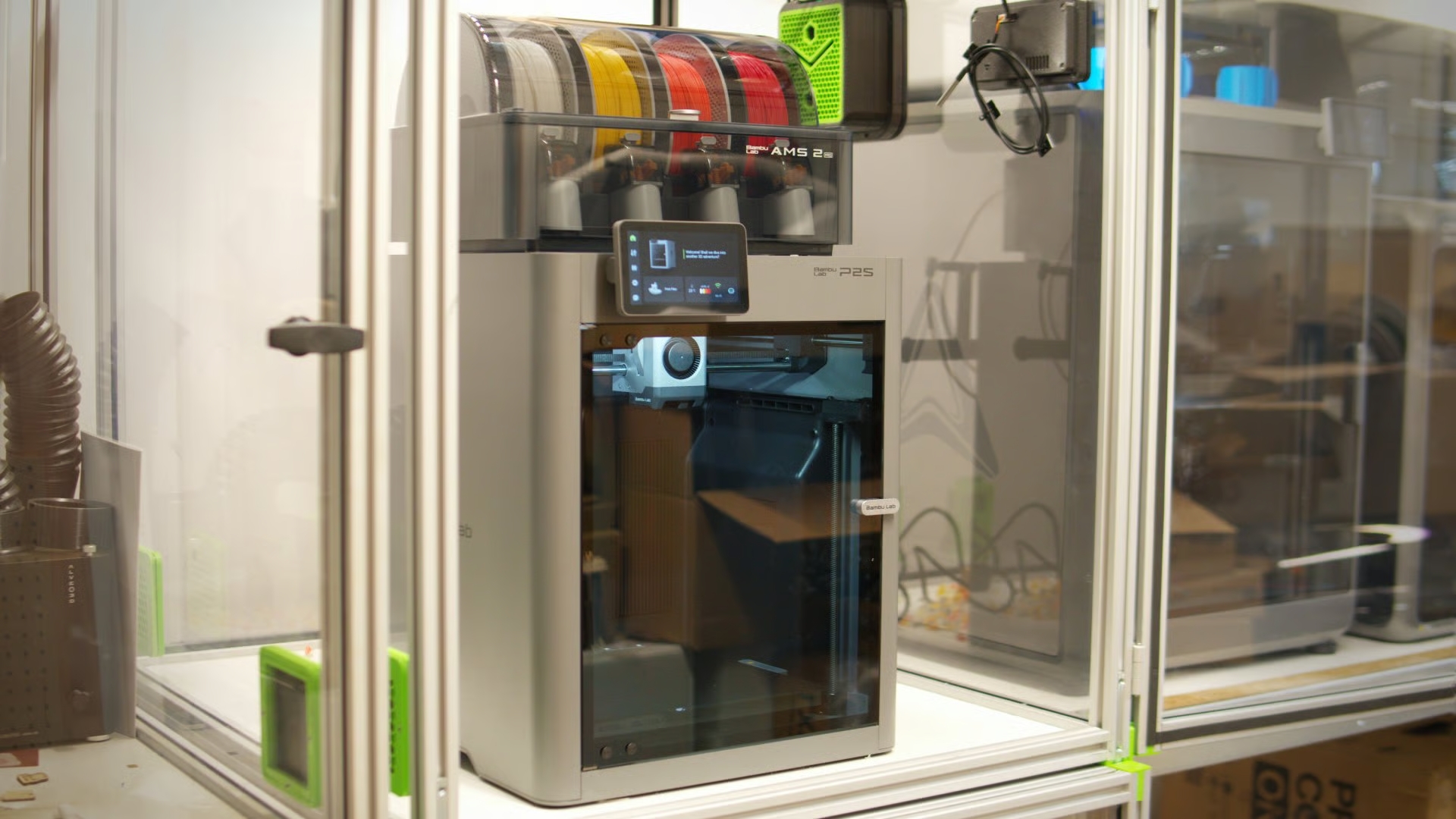
Bambu Lab’s next second generation machine is an update to the best selling P1S, bringing plenty of H-series influences for the same price as the P1S. We’ve been hands-on, and here are our thoughts.
Bambu Lab has always been clear eyed about the way it goes about developing its printers. Major new releases introduce new tech, and that tech trickles down to subsequent updates. It’s not revolutionary, but in the new Bambu Lab P2S, we see this in action.
A direct update to the P1S 3D printer that, until recently, had been our recommended 3D printer under $1,000, the P2S brings a couple of years’ worth of design nips, tucks and tweaks that appear to focus primarily on improving usability and aligning the print with the company’s current hardware language and standard feature set. Launching today, the P2S is available at $549 for the standalone 3D printer, or $799 in combo with the AMS 2 Pro. As with the P1S when it launched, the combo presents a significant saving over buying the printer and AMS separately.
After a couple of weeks’ intermittent use (which is why this isn’t a full review – we’ve not used it enough to justify a final verdict yet) the P2S seems a reassuringly solid update, fixing enough of the P1S’s (forgivable, but still) foibles to give anyone considering the H2S pause. There’s enough of that machine here to give you reason to reconsider whether you really need the build volume or not.
$799
The Bambu Lab P2S Combo is the long-awaited refresh of the popular P1S 3D printer, bringing ergonomic and performance improvements including a high-quality chamber monitoring camera and full color touchscreen display. Full compatibility with the AMS automatic material system remains, letting you join four of the devices for up to 16-filament printing.
Temperatures (°C): 300 | 110 | n/a
Size (mm): 392 x 406 x 696
Build volume (mm): 256 x 256 x 256
Weight (kg): 17.4
Power-out print recovery: Yes
Filament sensor: Yes
We earn a commission if you make a purchase, at no additional cost to you.
Unfortunately for Bambu Lab, and potential customers in the U.S., the company is wrestling with logistics issues for U.S. stock of the P2S, meaning the printer won’t be available for a spell still. Likewise the current threat of more tariff-based trade-war action between the U.S. and China means prices for U.S customers may not stay as they are.
Bambu Lab’s teaser relying on the word “refresh” for this machine really does succinctly sum up the P2S. It is, still, the basic P-series formula of an upper range CoreXY workhorse, and it does indeed feel fresh, although maybe I’m a little biased because oh-thank-the-lord it has a useful display now. Interacting with the P2S is no different to interacting with an X- or H-series machine, which is, very, very welcome.
There’s close to zero change to the printer’s core capabilities – it is still a 256 x 256 x 256 mm, single-nozzle multi-AMS-capable high-speed CoreXY desktop 3D printer, just like the P1S. Its top print speed has nudged up to 600 mm/s, compared to the P1S’s 500 mm/s, and the top print bed temperature ticks up to 110°C, too. There’s no transformation in raw printing capability, and it’d be a mistake to look at the P2S and expect one.
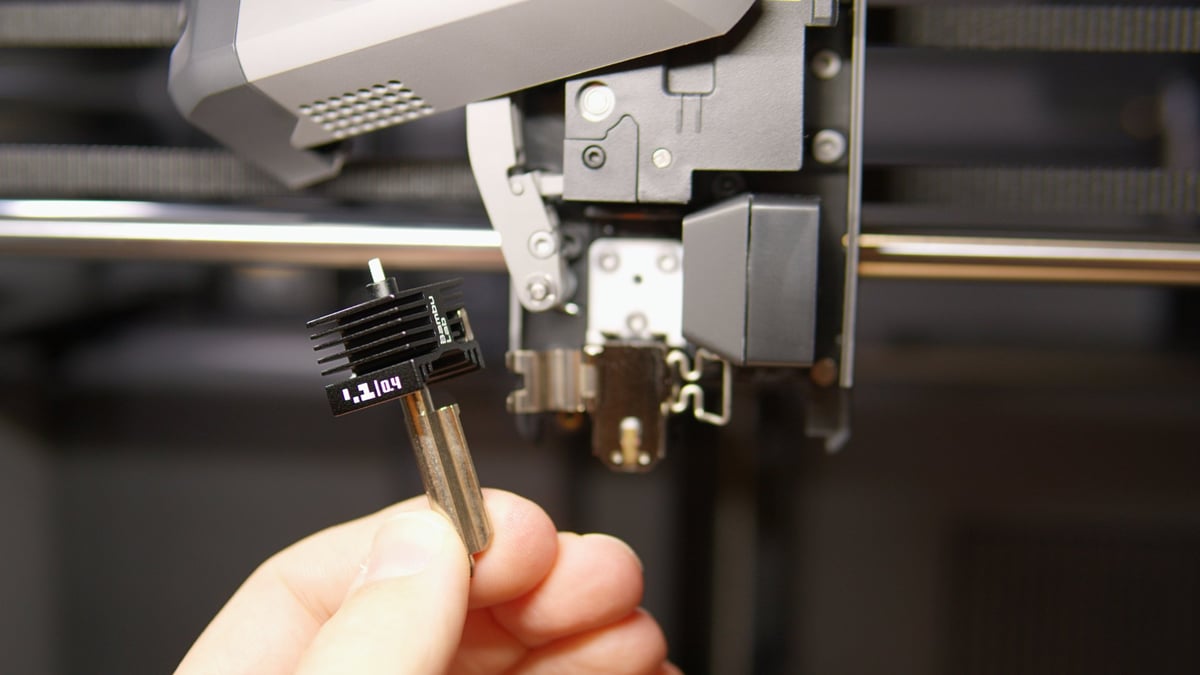
A handful of features and design influences trickle down from the H-series to the P2S, helping to elevate it over its predecessor. Among them is Bambu Lab’s self-developed Dynasense extruder which, paired with a flow-sensing eddy current sensor, results in an extruder up to the task of pushing filament fast for speedy printing and, supposedly contributing to tight layer uniformity.
The P2S also gets a new chamber temperature management system. It’s important to note a distinction, though. The P2S does not feature active chamber heating. Instead, an H-series style exhaust system works to trap warm air or flush cool air to suit the task of keeping chamber temps appropriate for the material being printed. This “door-closed” performance, as I’m increasingly thinking of it, is a departure from the P1S, where Bambu Lab recommended opening the door and leaving the cover off for some materials. With the P2S, it simply doesn’t matter.
By default you’ve now got high-quality camera providing build plate overwatch. Beyond the obvious improvement over the P1S’s poor camera feed of the print in progress, the P2S uses the camera to read which build plate is loaded, and as part of the printer’s foreign object and spaghetti detection.
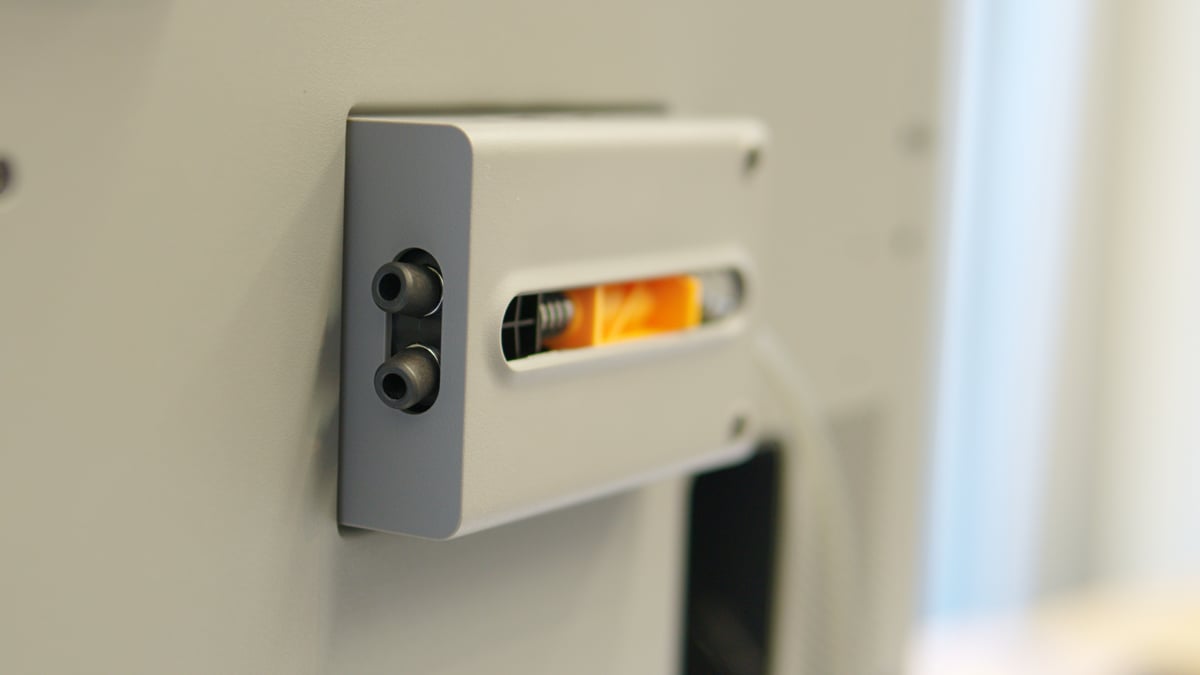
Our tester unit is the P2S Combo, which comes packaged with the AMS 2 Pro snugly secure in the print chamber. The whole package ships in a relatively small box, and unboxed presents a relatively compact multicolor/multi-filament printing footprint. One minor innovation of the P2S, which takes a leaf from the book of community solutions, is the multiplexed filament buffer on the printer’s back. You can now feed filament from both AMS and the external spool holder without having to futz around with PTFE tubing. It’s a small detail, one that perhaps you’ll never run into, but when you do, you’ll be glad it’s like it is.
Other thoughtful touches that’ll probably fly under the radar for many are the print chamber floor gently sloping to the bottom of the door, making it easy to scoop out scraps of filament and debris, plus recesses under the sides of the printer that provide a natural spot to carry the printer by. Small things like this matter.
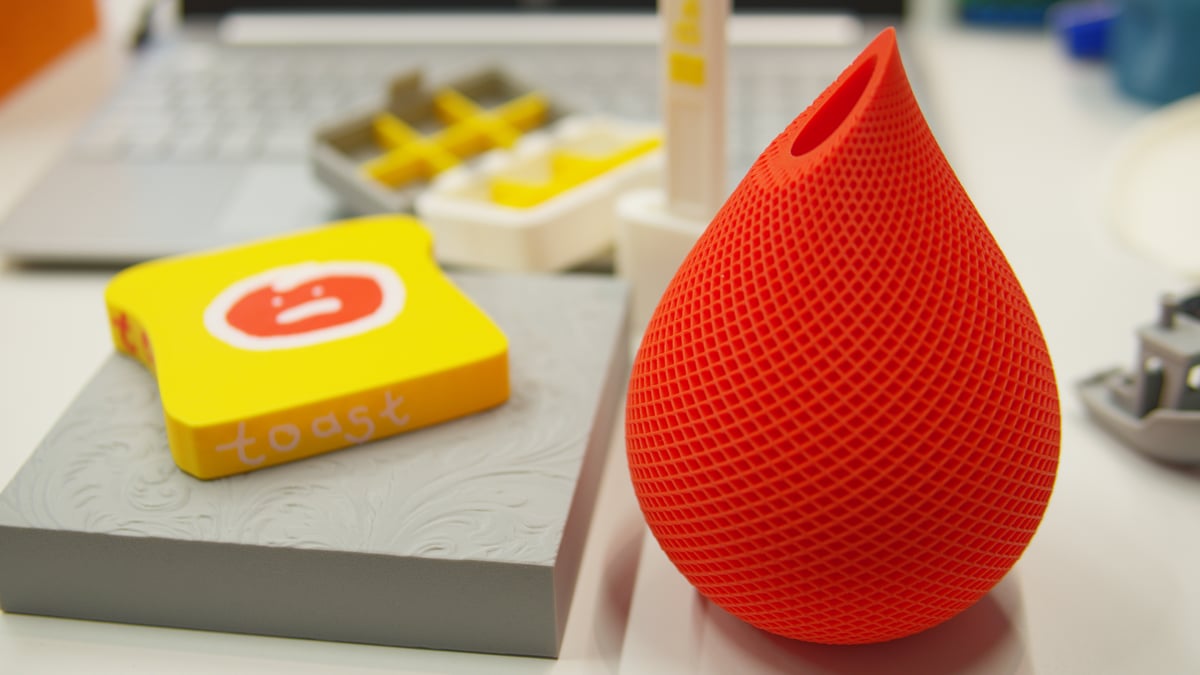
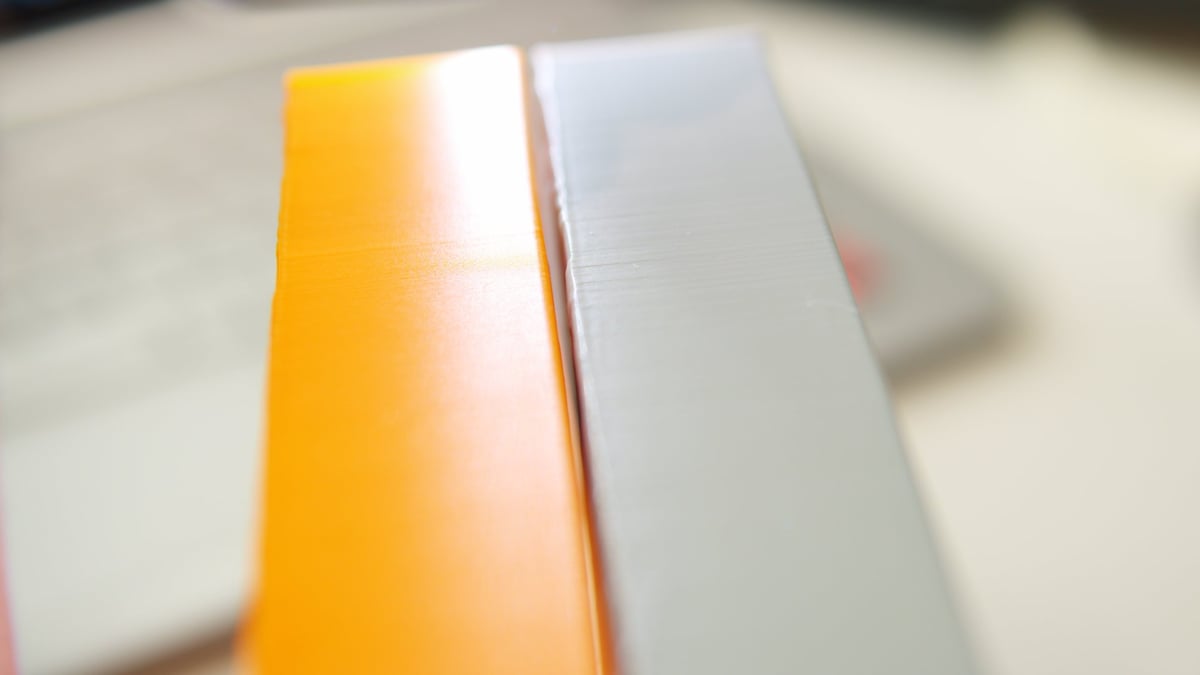
From the few prints we’ve run through it, the P2S’s printing performance is decent. The prints come off the plate tidily, particularly when multicolor is used. One thing that warrants a little more printing to understand is layer uniformity seemingly not being quite as exceptional as we’ve seen from the H2D, despite that extruder jumping across and the nozzles being the same. The picture below demonstrates what we mean, although, full disclosure, it’s hardly scientific – there are differences in the material used and the models were printed months apart. Assuming consistency from the printers though, it does show a difference.
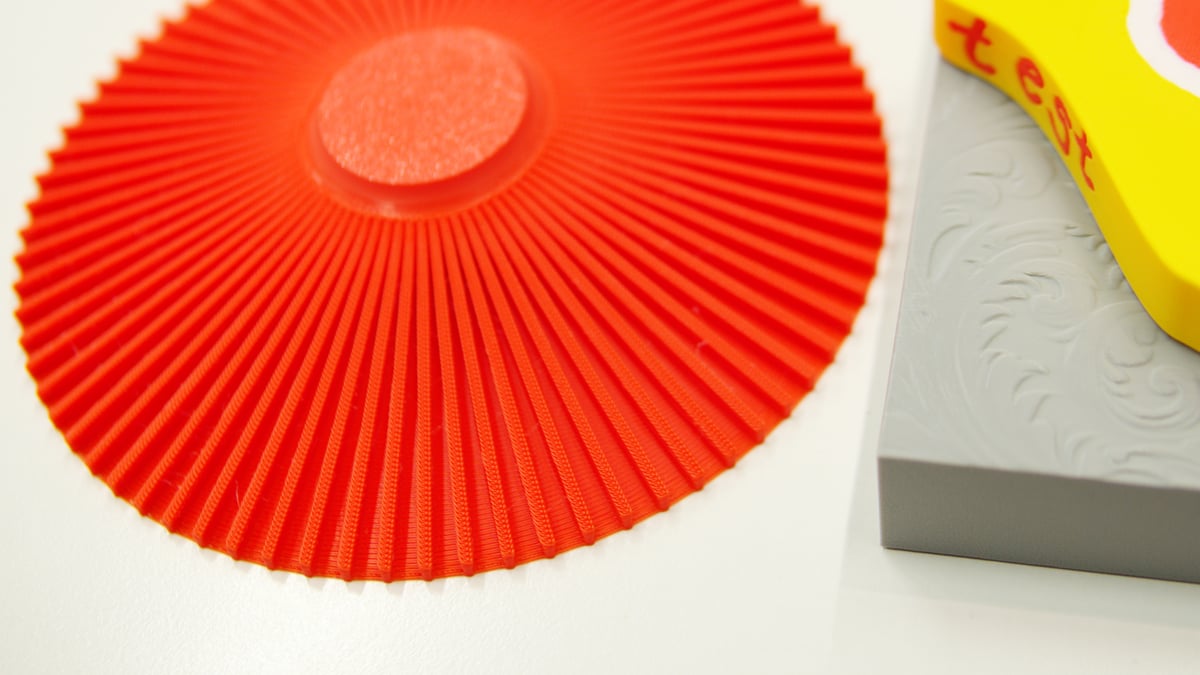
It can be difficult to judge whether we’re being overly nit-picky on such things or not. Looking at other aspects, cooling performance on overhangs across a handful of stress prints appears to be on the upper end. The Scandic plate, designed by the folks at Prusa to show off the MK4S’ overhang superiority, comes off the P2S’ plate looking very tidy, too.
Suffice it to say that the P2S, unsurprisingly, feels like a modern version of the P1S. The P1S has been a workhorse for many (and will continue to be for those who only just got one) and the P2S seems to drop directly in as a replacement that’s more user-friendly and easier to handle. With the base printer launching slightly cheaper than the P1S did, that’s not bad at all.